What helped before, for what comes next.
Find one thing to do next.
Check in with your mood and energy. Anewly makes sure the basics are covered, then suggests one activity based on what has helped on similar days.
 iPhone download
Coming soon
iPhone download
Coming soon
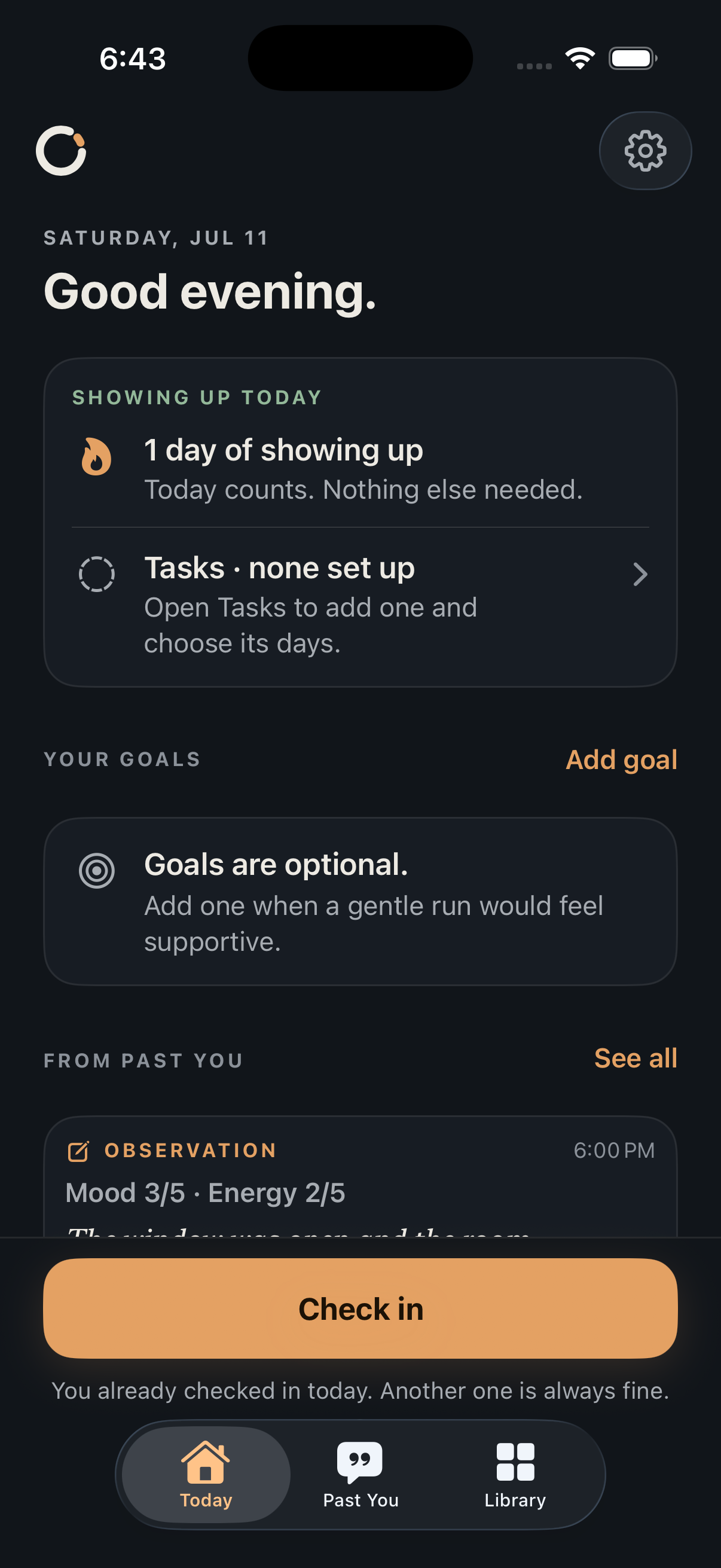
- One suggestion
- See one activity at a time.
- Based on your history
- Past check-ins help shape future suggestions.
- Stored on your iPhone
- No account or server sync.
01 How it works
A quick check-in, then one suggestion.
Tell Anewly how you’re feeling and how much energy you have. It checks the essentials you set up and suggests one activity.
-
01
Check in
Choose your mood and energy level. Adding a note is optional.
-
02
Cover the basics
Anything you marked as essential comes first, whether that’s medication, food, pets, school, or work.
-
03
See one activity
Anewly uses today’s check-in and similar past check-ins to make a suggestion.
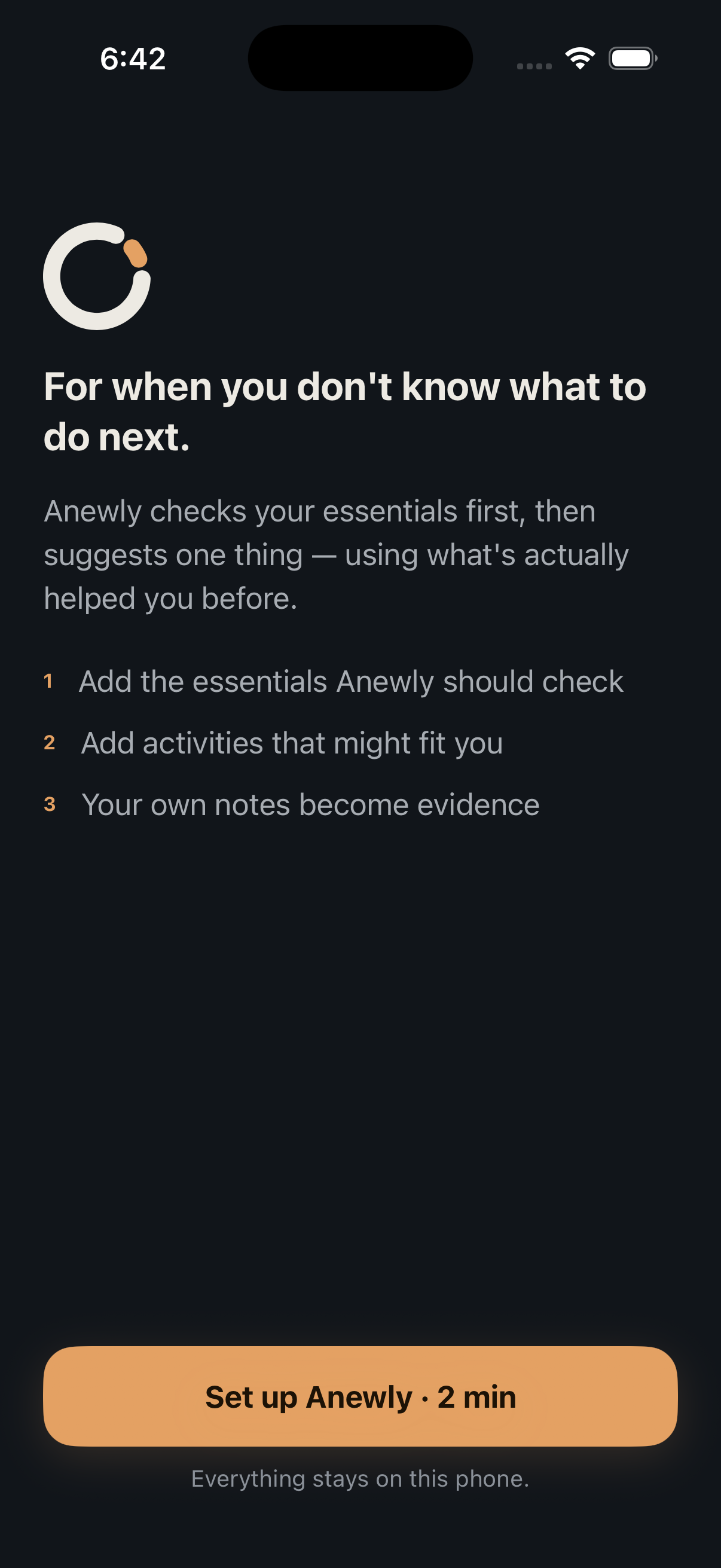
Past You
Keep a note for next time.
When something helps, save a note, photo, or voice memo with your check-in. On a similar day, Anewly can use it to make a better suggestion.
- Save itAdd a note, photo, or recording to a check-in.
- Look backRevisit how you felt and what you tried.
- Use it laterPast check-ins can inform future suggestions.
Privacy
Your data stays on your iPhone.
Your check-ins, notes, photos, and recordings stay on your device. No account is required, and nothing is synced to an Anewly server. You can export a complete archive at any time.
- Storage
- On device
- Account
- Not required
- Server sync
- None
- Full archive export
- Included
Coming soon to the App Store.
Questions about the app? Email hello@anewly.app.
iPhone download
Coming soon